Skip to content

Kadrella with ChatGPT

Run your private lessons from ChatGPT

Kadrella plugs into ChatGPT as a connector. Ask who hasn't paid, schedule a lesson or send a WhatsApp reminder, without opening the app.

Works with
app.kadrella.com
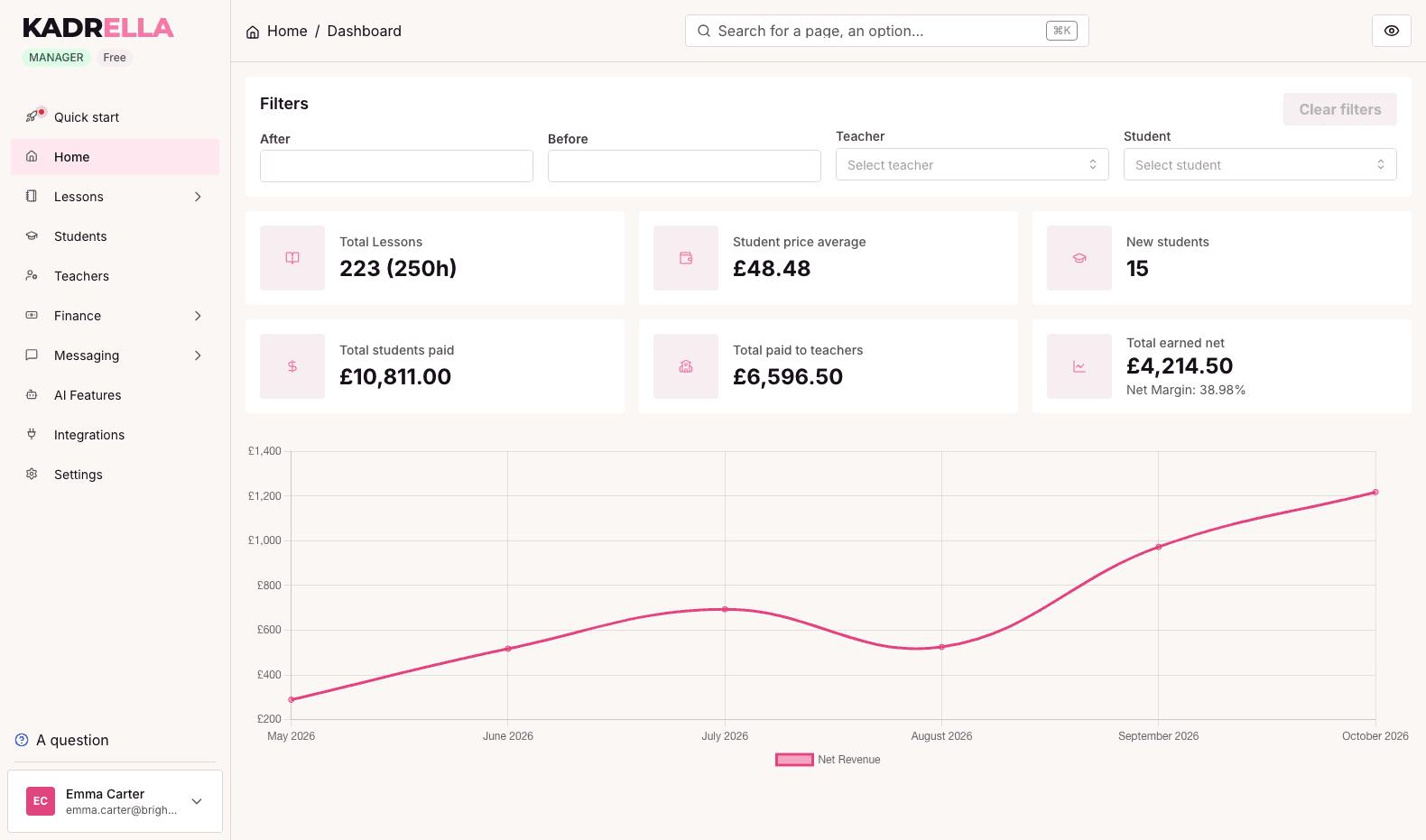
Kadrella dashboard: lesson count, average price, new students and net revenue on a chart

The Kadrella connector for ChatGPT is an MCP (Model Context Protocol) integration built into Kadrella. Once connected, ChatGPT reads and updates your organization's data: students, parents, teachers, lessons, payments and messages. You talk to it like an assistant and it acts in Kadrella with your account, after an authorization you give once.

What ChatGPT can do in Kadrella

Read your messages and act

Ask ChatGPT to read the latest WhatsApp messages. It cancels the lesson a student calls off, records the payment a parent announces once the transfer has arrived, and tells you what it did.

  • WhatsApp and Discord messages read student by student
  • Lessons cancelled or moved based on the messages
  • Payments matched to the transfers received

Create and edit lessons

Schedule a lesson or a weekly series, move or cancel a session in one sentence. The lesson follows in Google Calendar as if it had been created in the app.

  • One-off and recurring lessons
  • Cancellations with their reason
  • Google Calendar event kept up to date

Manage students, parents and teachers

Add a student with their parent, find a record from a phone number, update a rate or a teacher.

  • Student created with their parent linked
  • Search by name or phone number
  • Teacher records and assigned students

Track payments and send reminders

ChatGPT sees incoming transfers, spreads them over the right lessons and can send a family the summary of what is still due, on WhatsApp.

  • Bank transfers matched to students
  • Unpaid reminder listing the lessons
  • PDF invoice sent on WhatsApp
  • Answer questions about your business

    How many hours this month, which teacher taught the most, who hasn't paid: ChatGPT queries your data and answers with the numbers.

    • Revenue, lesson count and hours per month
    • Payment history per student
    • Lessons that need checking flagged

Connect ChatGPT in a few minutes

Custom connectors depend on your ChatGPT plan. On the Kadrella side, you need a manager account on the Complete plan. ChatGPT registers itself: no client ID to type.

  1. 01In ChatGPT, open Settings, then Apps & Connectors, and turn on developer mode in the advanced settings.
  2. 02Create a connector named Kadrella with the URL https://api.kadrella.com/mcp and OAuth authentication.
  3. 03Sign in to Kadrella with a manager account on the page that opens.
  4. 04Click Authorize: ChatGPT can now use Kadrella.

Why connect ChatGPT to Kadrella

  • Nothing to export: ChatGPT works on your real, up-to-date data.
  • A single authorization, which you can cut at any time from Kadrella.
  • Lessons created from ChatGPT go to Google Calendar like any other.
  • WhatsApp reminders go out from your business number.
  • Included in the Complete plan, at no extra cost.

Free to start

Start on the free plan, or try any paid plan free for 14 days.

AI connector (MCP) is included in the Complete plan.

0% commission on your lessons: a flat price, with no extra fee per teacher you add.

  • Free

    0 €/mo

    The basics to run your tutoring, free forever.

  • Essentials

    29 €/mo

    For a solo tutor: scheduling, messaging and Superprof in one place.

  • Complete

    49 €/mo

    Nothing left to invoice, reconcile or follow up on by hand.

The founder's story

Built by a teacher, for his own tutoring business.

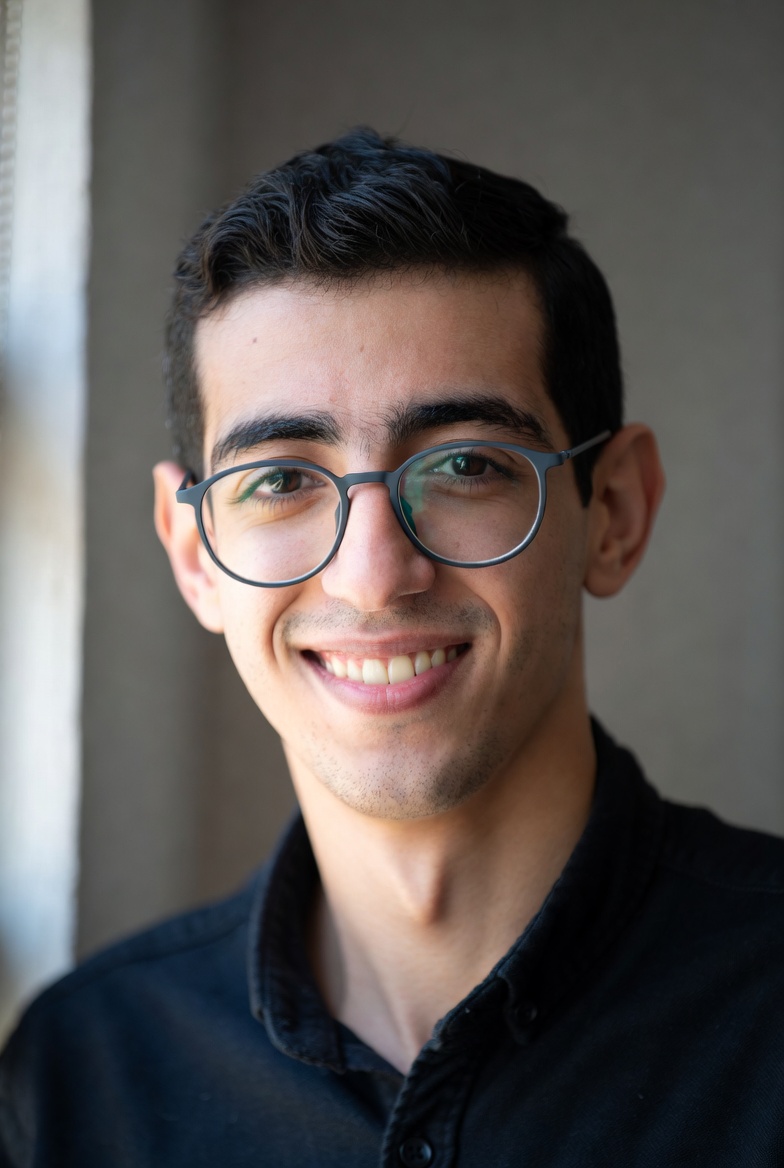
I've taught maths and computer science since 2020, and I run my own private-tutoring business, Head of Science: several teachers, around a hundred students. I'm also a software engineer. In 2024, I started building this tool for myself, because tracking payments and chasing late ones took every Sunday. I've used it every day since. Kadrella is that same tool, opened up to other teachers.

October 2026

465students tracked
1,083lessons taught
€31kbilled to students

The team

  • Marie P.
    Marie P.
    Designer at L'Oréal
  • Amir
    Amir
    CPO, client relations
  • Alexis
    Developer, student

Frequently asked questions

What is MCP?+

The Model Context Protocol is an open standard that lets an AI assistant like ChatGPT use an app's tools. Kadrella exposes its tools (lessons, students, payments, messages) through an MCP server protected by OAuth.

Which Kadrella plan do I need?+

The AI connector is included in the Complete plan. On another plan, ChatGPT can connect but can't use the Kadrella tools.

Who can connect ChatGPT?+

A manager of the organization. Teacher and student accounts can't grant this access, since ChatGPT acts on the whole organization.

Can ChatGPT change my data?+

Yes. ChatGPT can create, edit and cancel lessons, add students or send WhatsApp messages, with your account. Ask it to show you what it is about to do before an important action.

How do I cut the access?+

In Kadrella, open Settings, then Integrations, and click Disconnect assistants. Access stops within the hour.

Connect Kadrella to ChatGPT

Create your account, then add the connector from ChatGPT's settings.

Start for free