Cancel or move a lesson
Cancelling a lesson in Kadrella does not delete it: the lesson stays in the history with the cancellation reason, and that reason decides what is owed. A free cancellation removes the lesson from what the student owes and what the tutor earns. A paid cancellation keeps it: the student pays for it and the tutor is paid.
2 stepsFree planScreenshots from 4 November 2026
Step 1
Open the lesson page
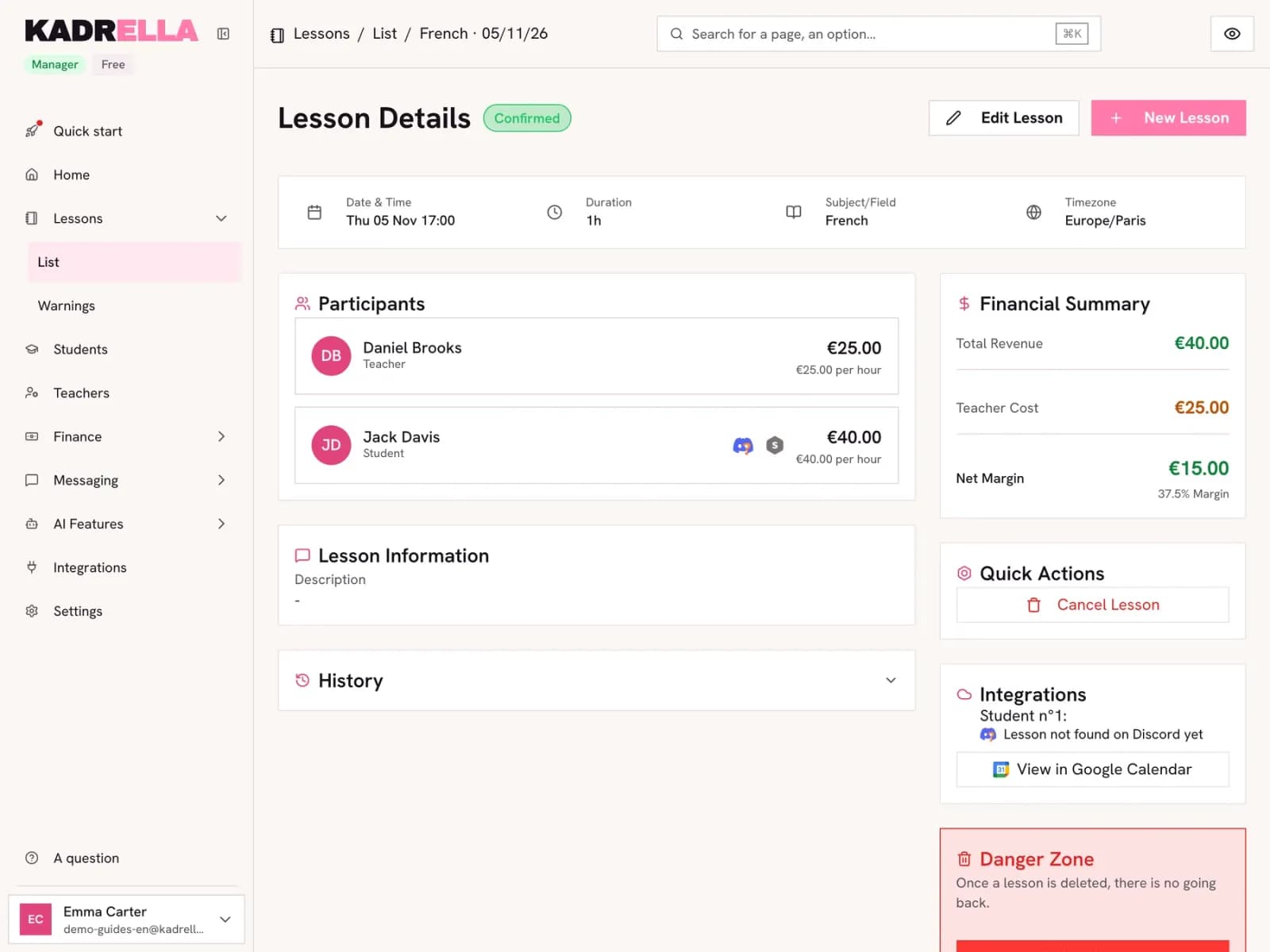
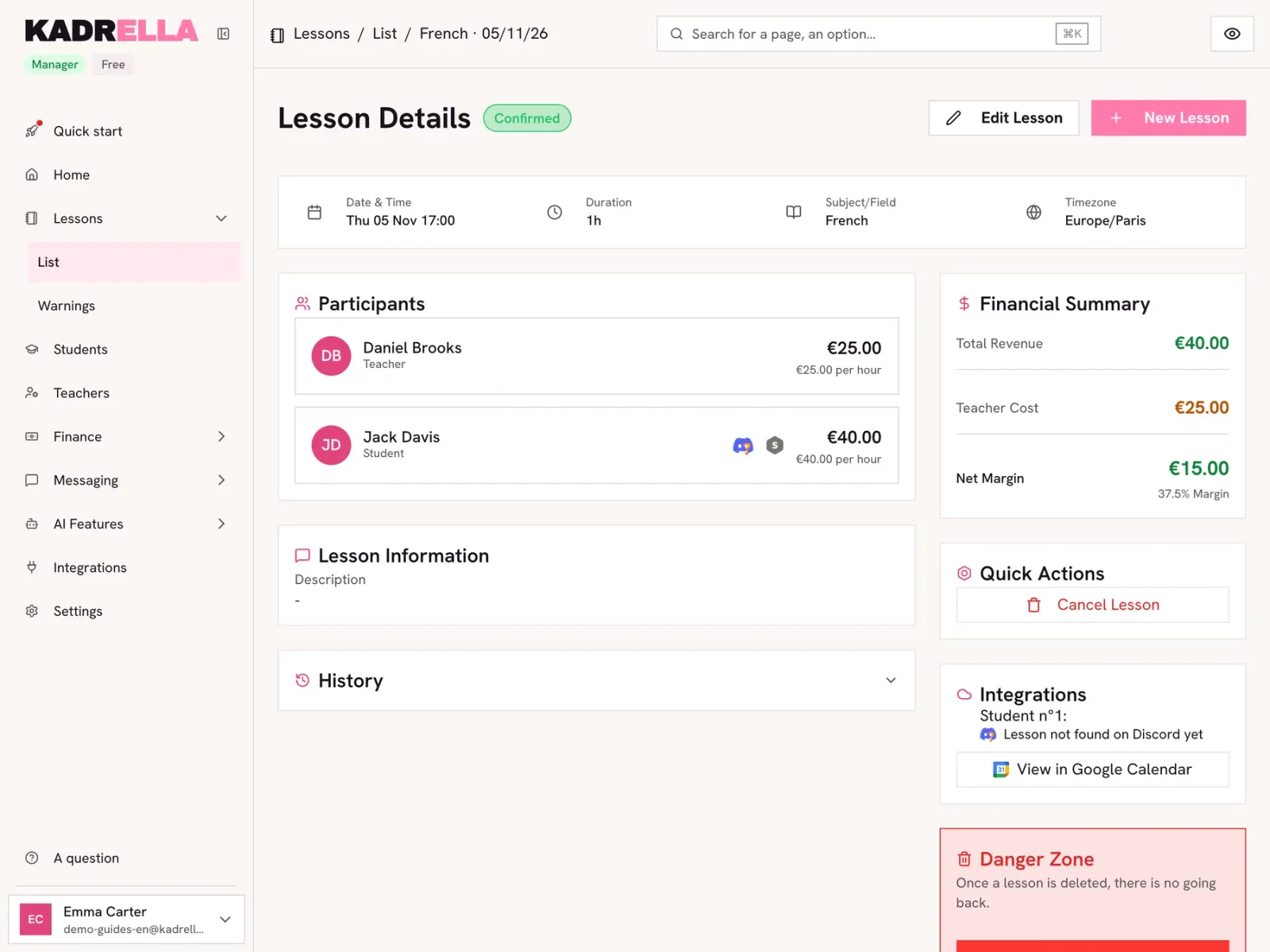
Click the lesson in the calendar or in the list. To move it, click "Edit Lesson", change the date and save. To cancel it, click "Cancel Lesson" in the quick actions.
 View the full-size screenshot
- "Edit Lesson" to change the date, time or participants.
- "Cancel Lesson" to cancel it without deleting it.
Step 2
Choose the cancellation reason
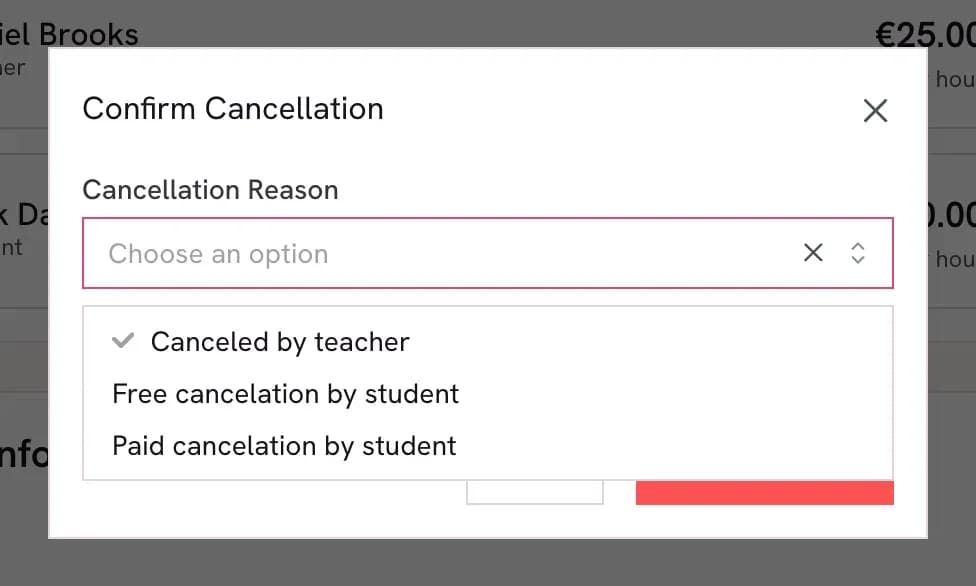
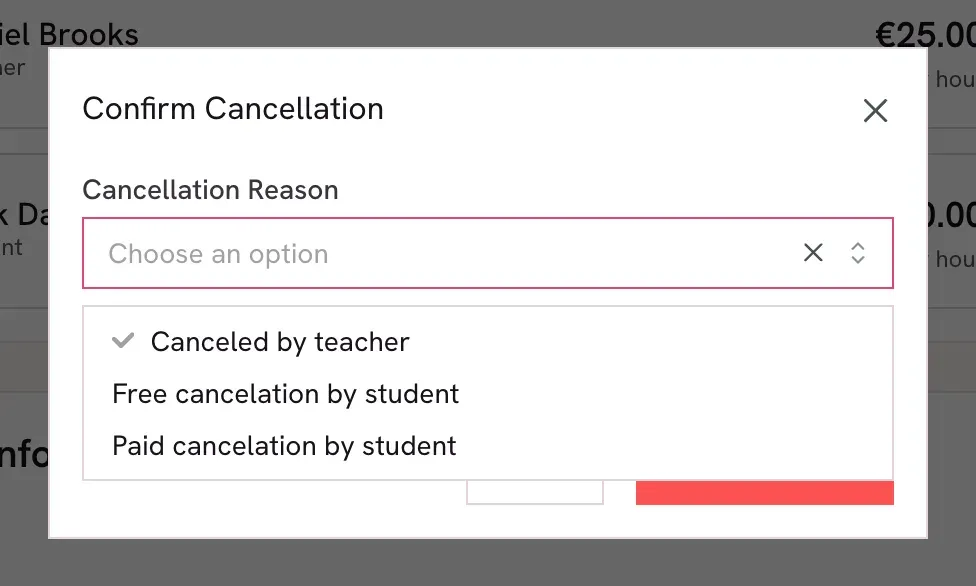
Three reasons are offered. "Canceled by teacher" and "Free cancelation by student": the student does not pay and the tutor is not paid. "Paid cancelation by student": the student pays for the lesson and the tutor is paid, for example after a last-minute cancellation. Kadrella spells out the consequence under your choice before you confirm.
 View the full-size screenshot
- The cancellation reason.
- The three choices: by the tutor, free or paid for the student.
Who pays what, by reason Reason The student pays The tutor is paid Example Canceled by teacher No No The tutor is ill Free cancelation by student No No The student warns in time Paid cancelation by student Yes, the lesson is still owed Yes, as if the lesson took place No-show or last-minute cancellation
| Cancel | Delete | |
|---|---|---|
| The lesson stays visible | Yes, with the reason | No, it is gone |
| Effect on payments | Depends on the reason | The lesson no longer counts |
| Lesson already linked to a payment | Possible | Refused: remove the payment first |
Good to know
- Write your cancellation rule into the lesson contract (for example: paid if less than 24 hours before). You will apply the same one to everybody.
Going further
- Feature
- Lesson tracking
- Related reading
Screenshots taken on a demo account: names, phone numbers and amounts are made up.
Spend your Sundays teaching, not chasing payments.
Free to start, set up in minutes. No card.