Guides
Kadrella guides, step by step
Each guide walks through a common task in Kadrella, the private tutoring management software, with real screenshots of the app and a number on every button you need. Allow two to five minutes per guide.
A question about Kadrella? Ask your AI
Type your question: we send it to the assistant of your choice with the link to every guide, so it looks for the answer there.
Lessons
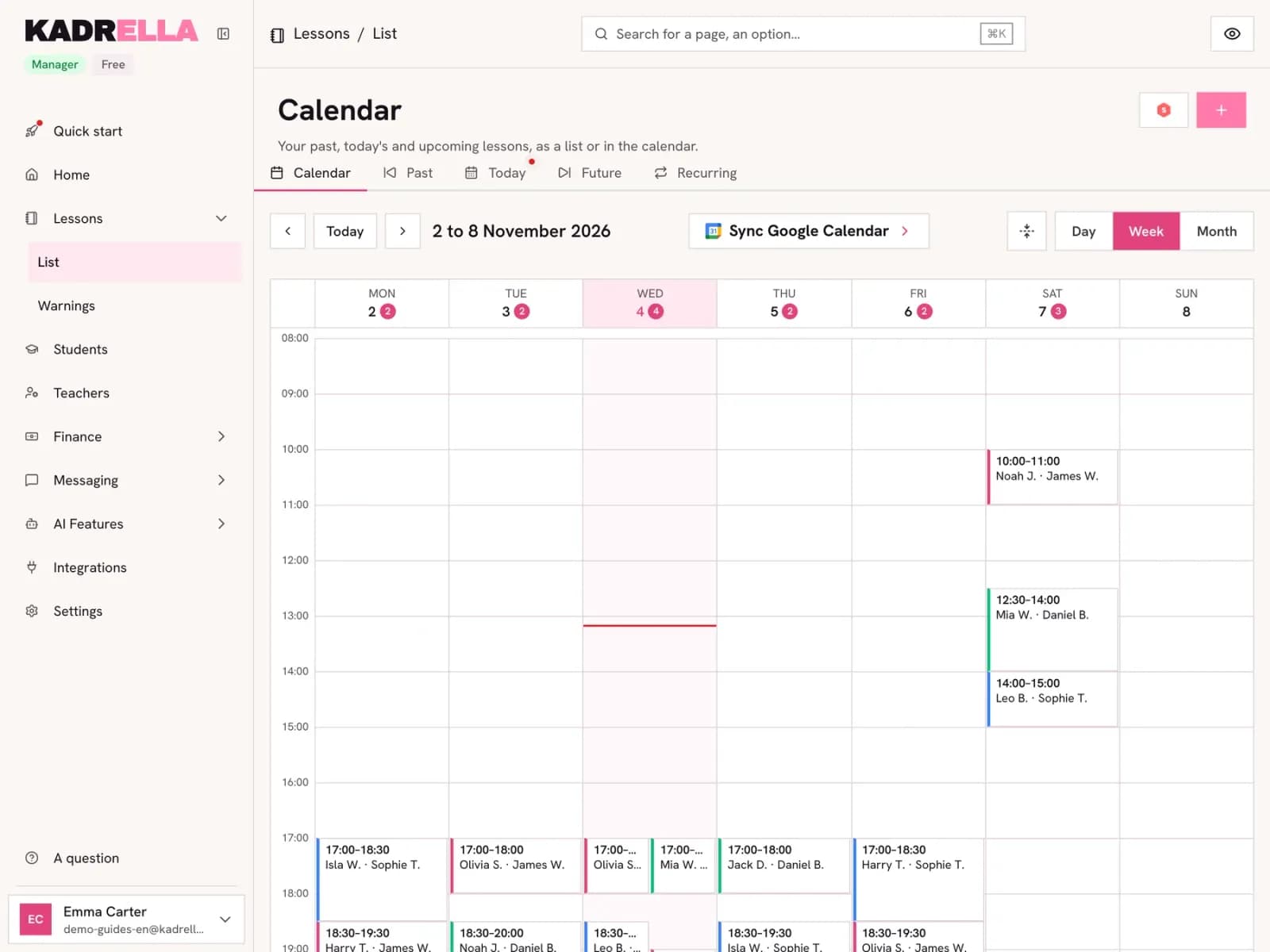 Create a private lesson in KadrellaSchedule a lesson in Kadrella: date, tutor, student and price, with the margin worked out and an optional WhatsApp reminder. 3 steps with screenshots.3 steps
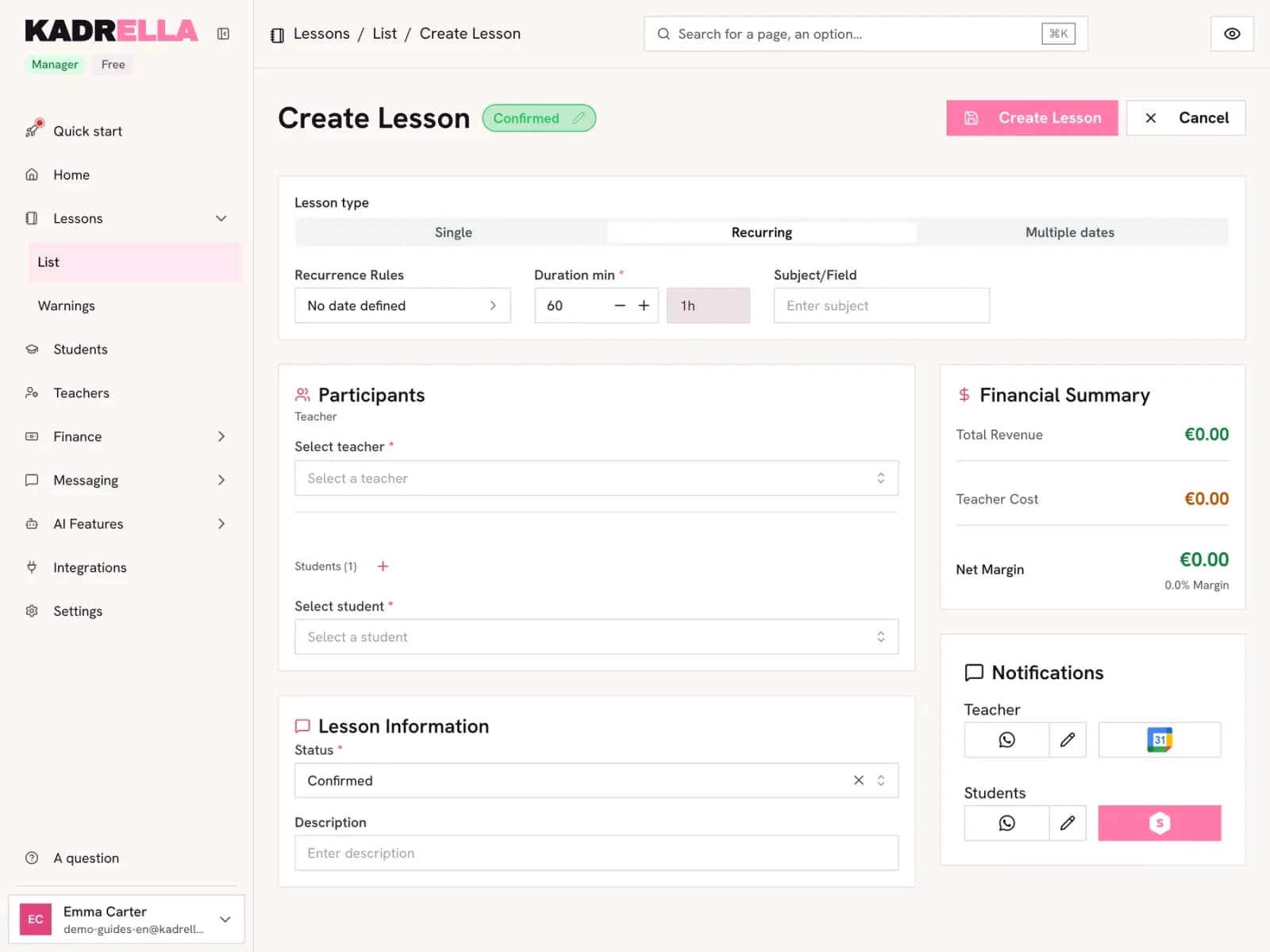 Create a recurring lesson (every week)Set up a private lesson that repeats every week in Kadrella: frequency, days, time and end date. A 4-step guide with annotated screenshots.4 steps
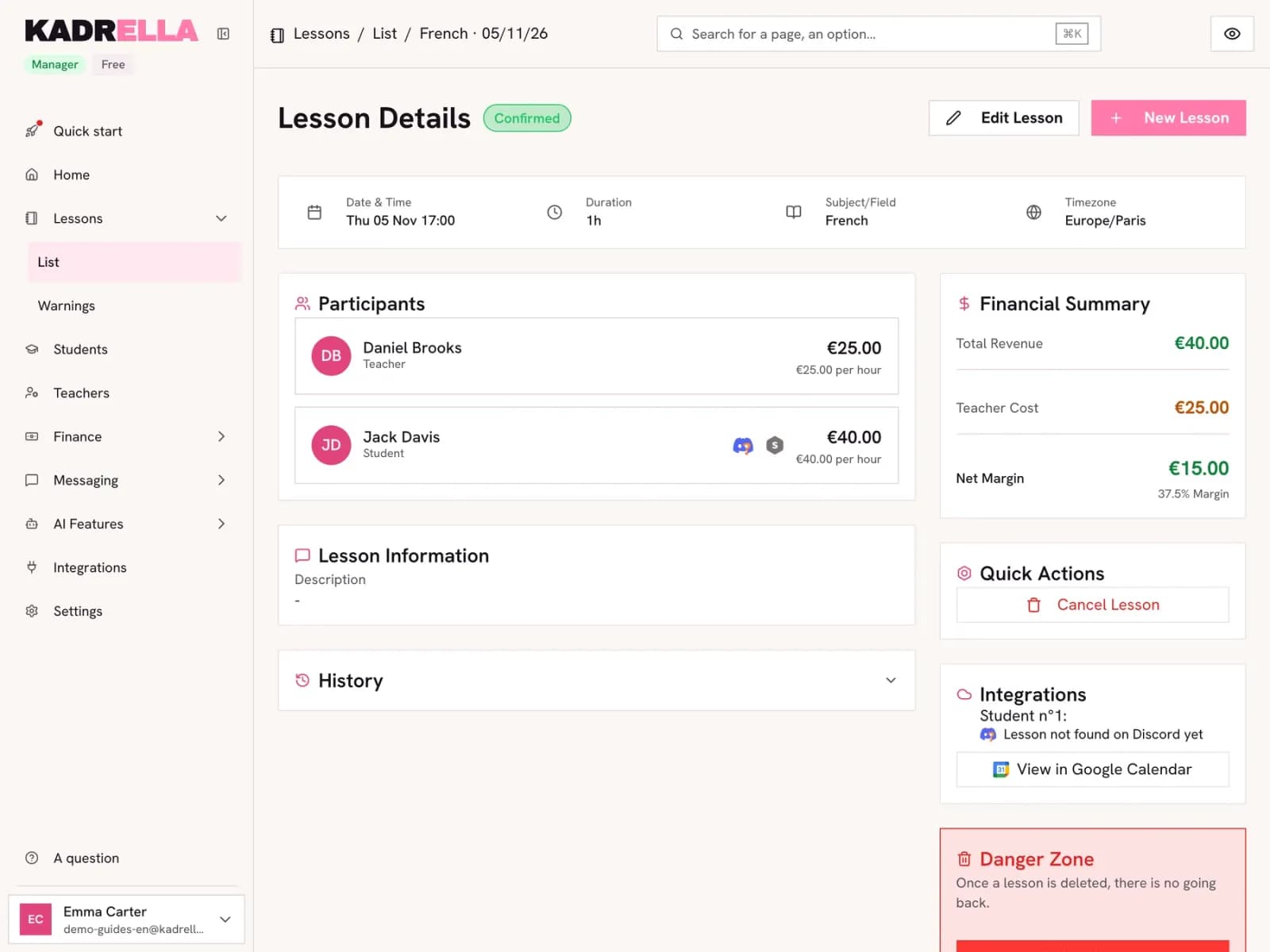 Cancel or move a lessonCancel a lesson in Kadrella and choose who pays: cancelled by the tutor, free or paid for the student. Or move it to another date in the same form.2 steps
Payments
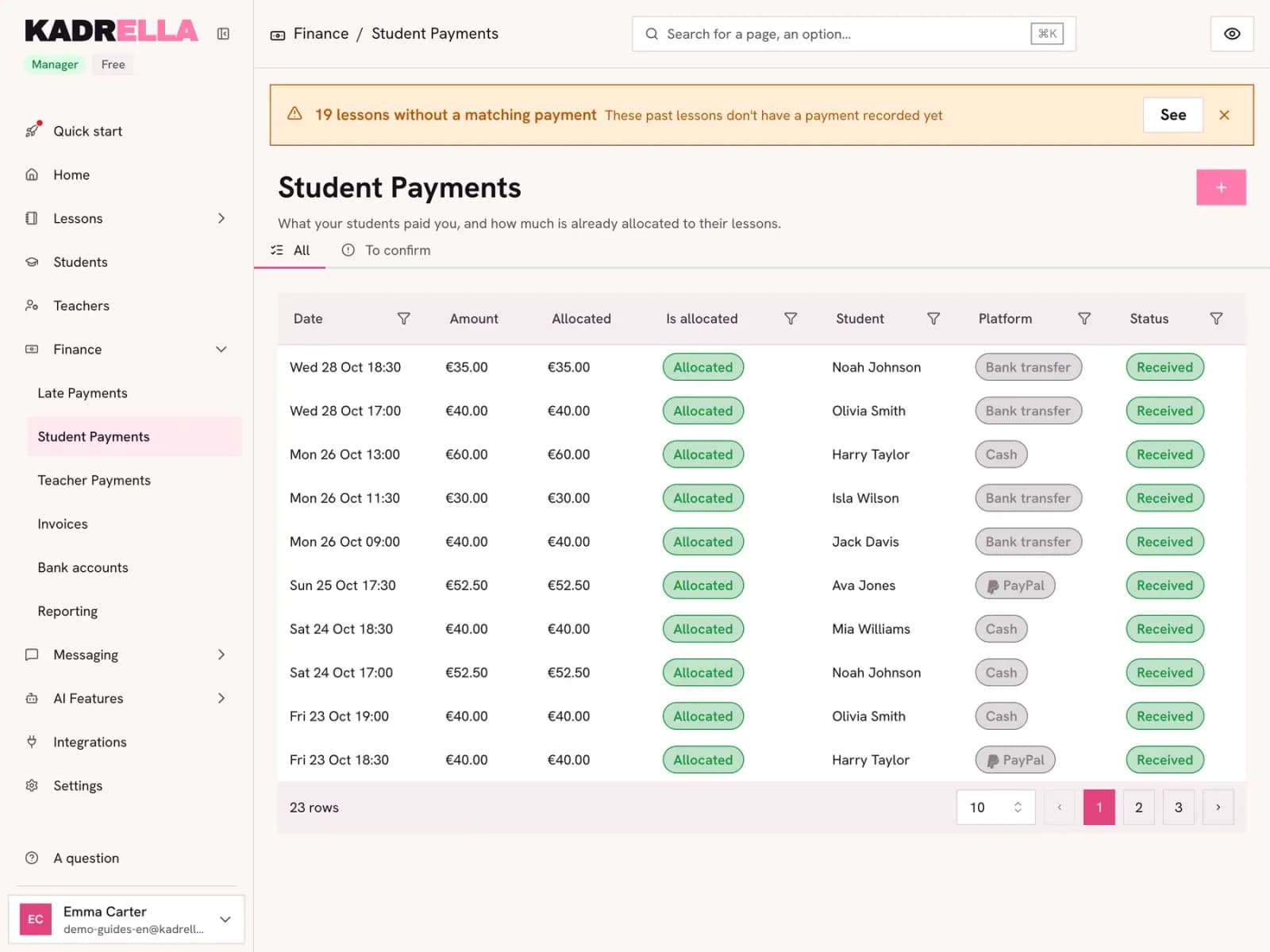 Record a payment for a lessonLog a payment in Kadrella, fill it in from a bank transfer and split it across the student’s lessons. A 4-step guide with annotated screenshots.4 steps
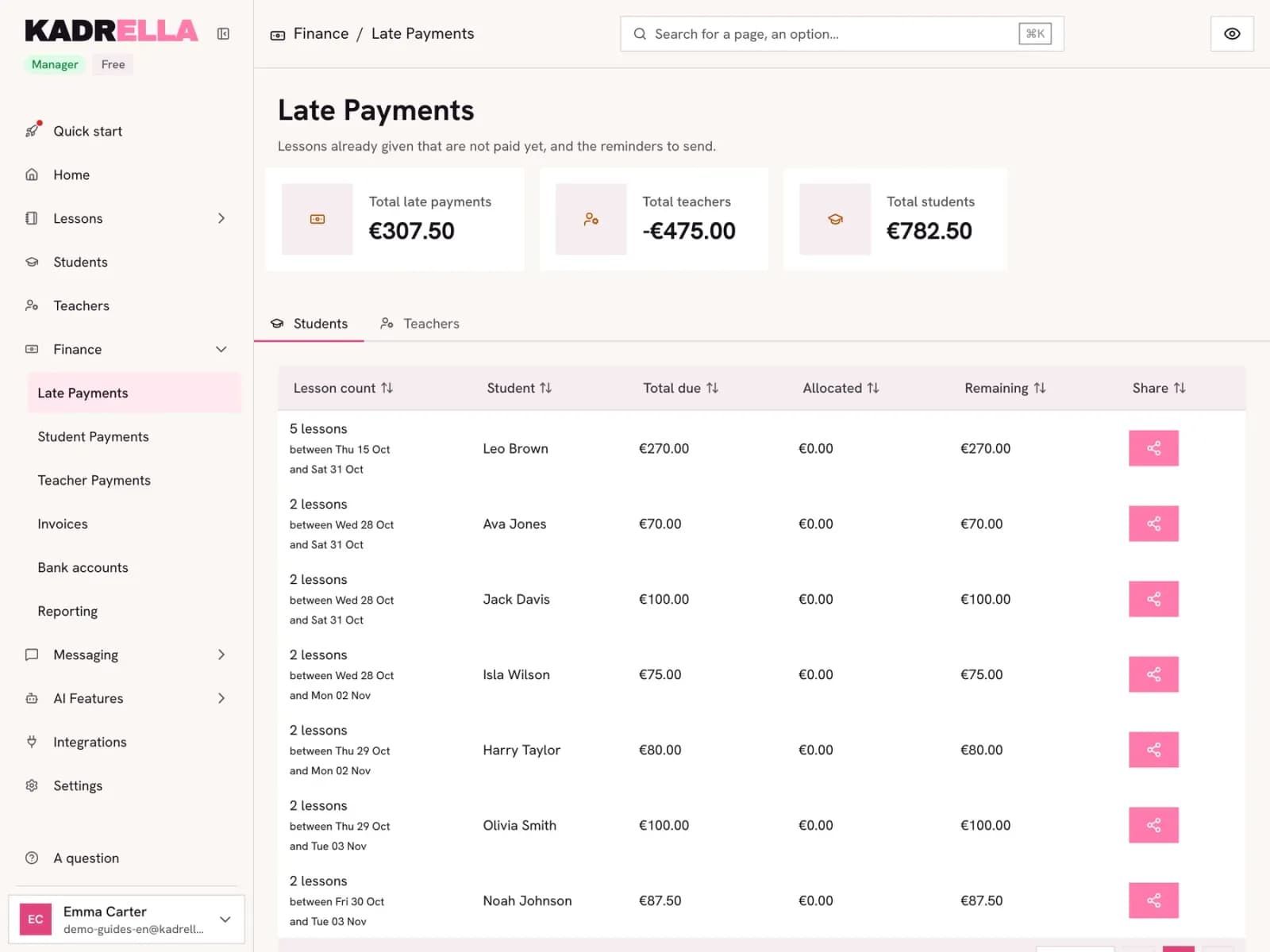 Track and chase late paymentsSee who owes you what and send a clear summary of unpaid lessons on WhatsApp or as text. A 2-step Kadrella guide with annotated screenshots.2 steps
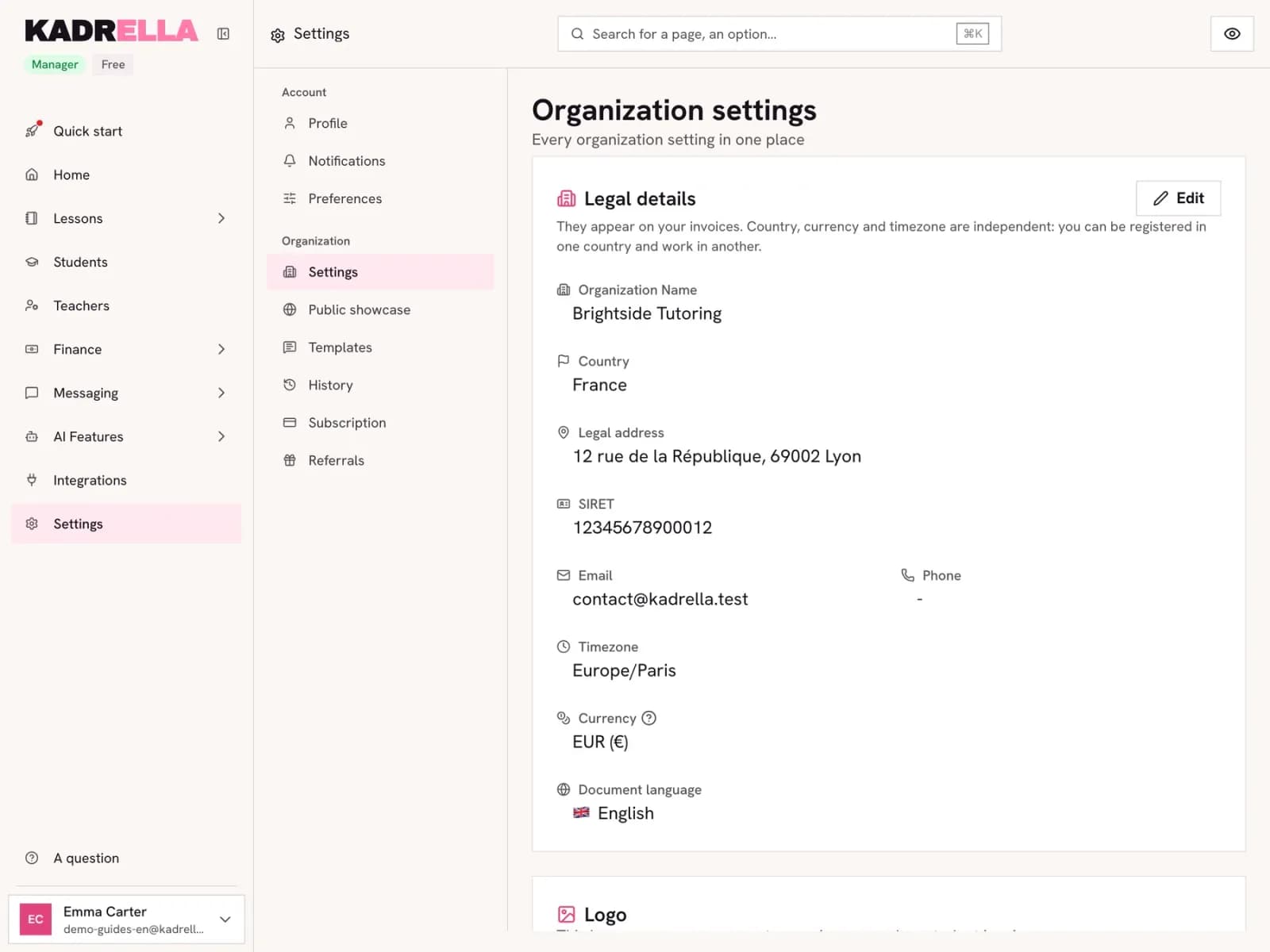 Create and send a lesson invoiceGenerate the invoice for a payment in Kadrella, download the PDF or send it on WhatsApp, numbered automatically. A 4-step guide with screenshots.4 steps
Students and tutors
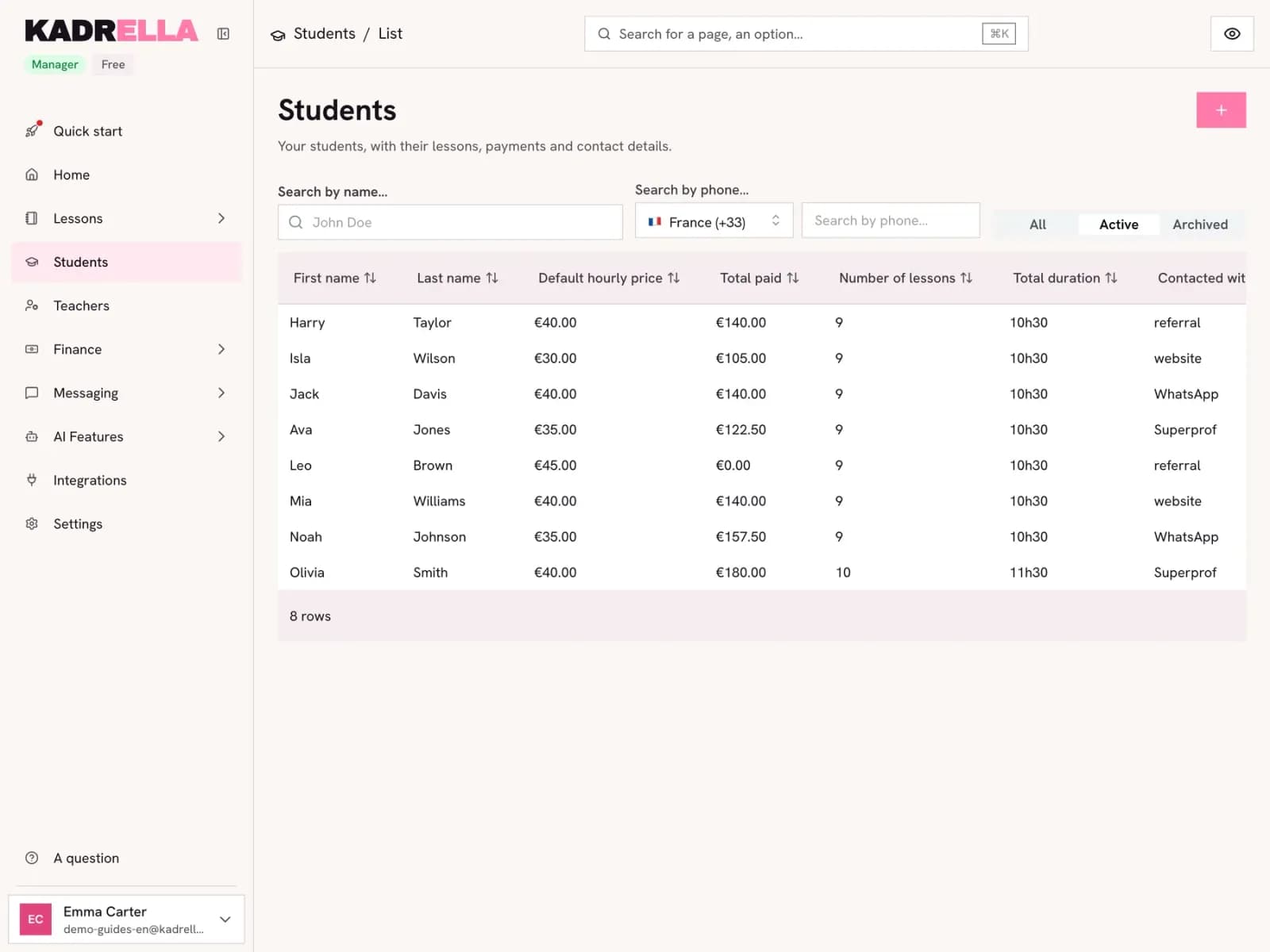 Add a student (and their parents)Create a student record: contact details, where they came from, default hourly rate, then link a parent. A 3-step Kadrella guide with screenshots.3 steps
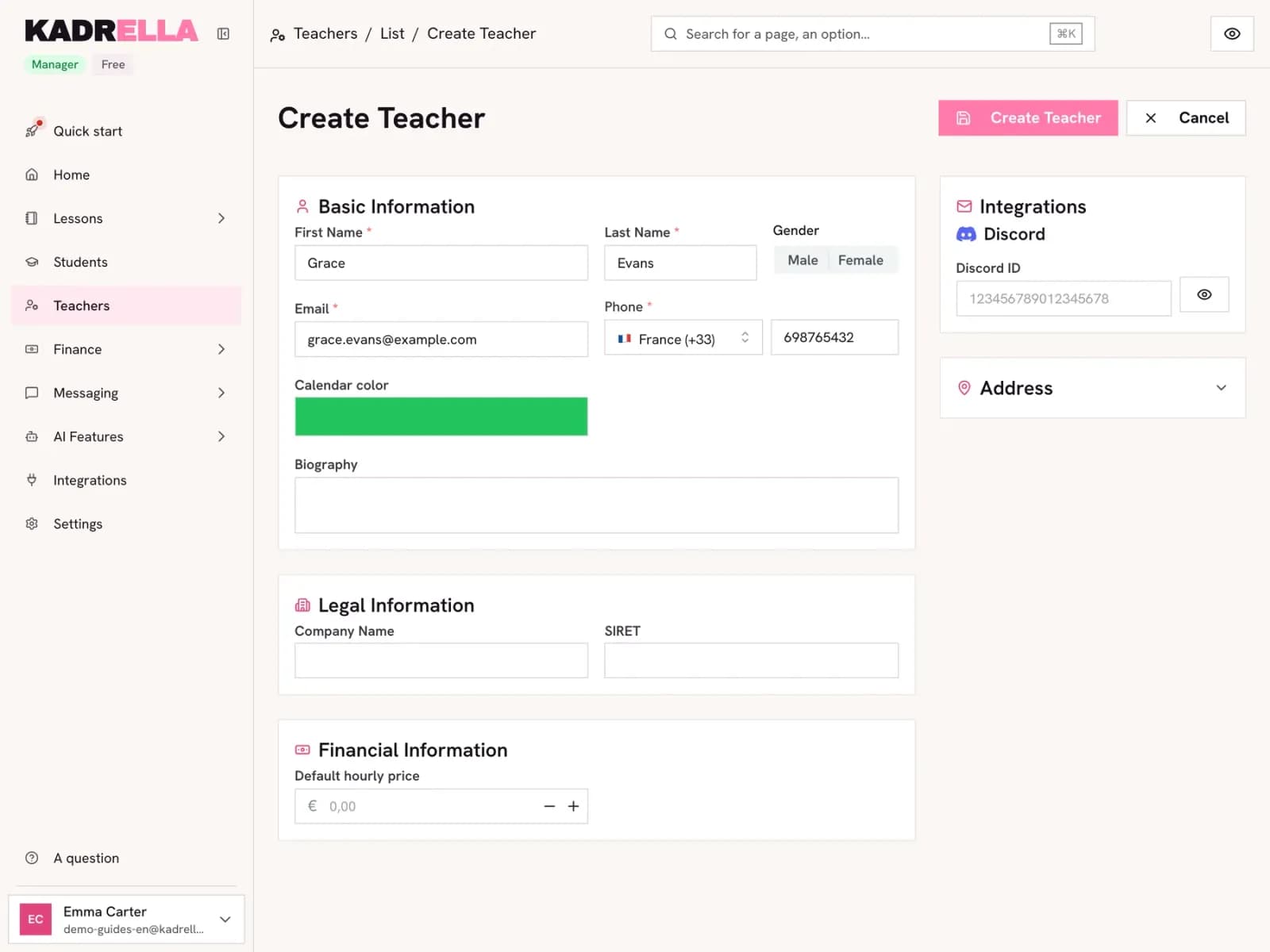 Add a tutor to your teamCreate a tutor record in Kadrella: contact details, calendar colour, company number and hourly pay. A guide for tutoring businesses with several tutors.1 steps
Integrations
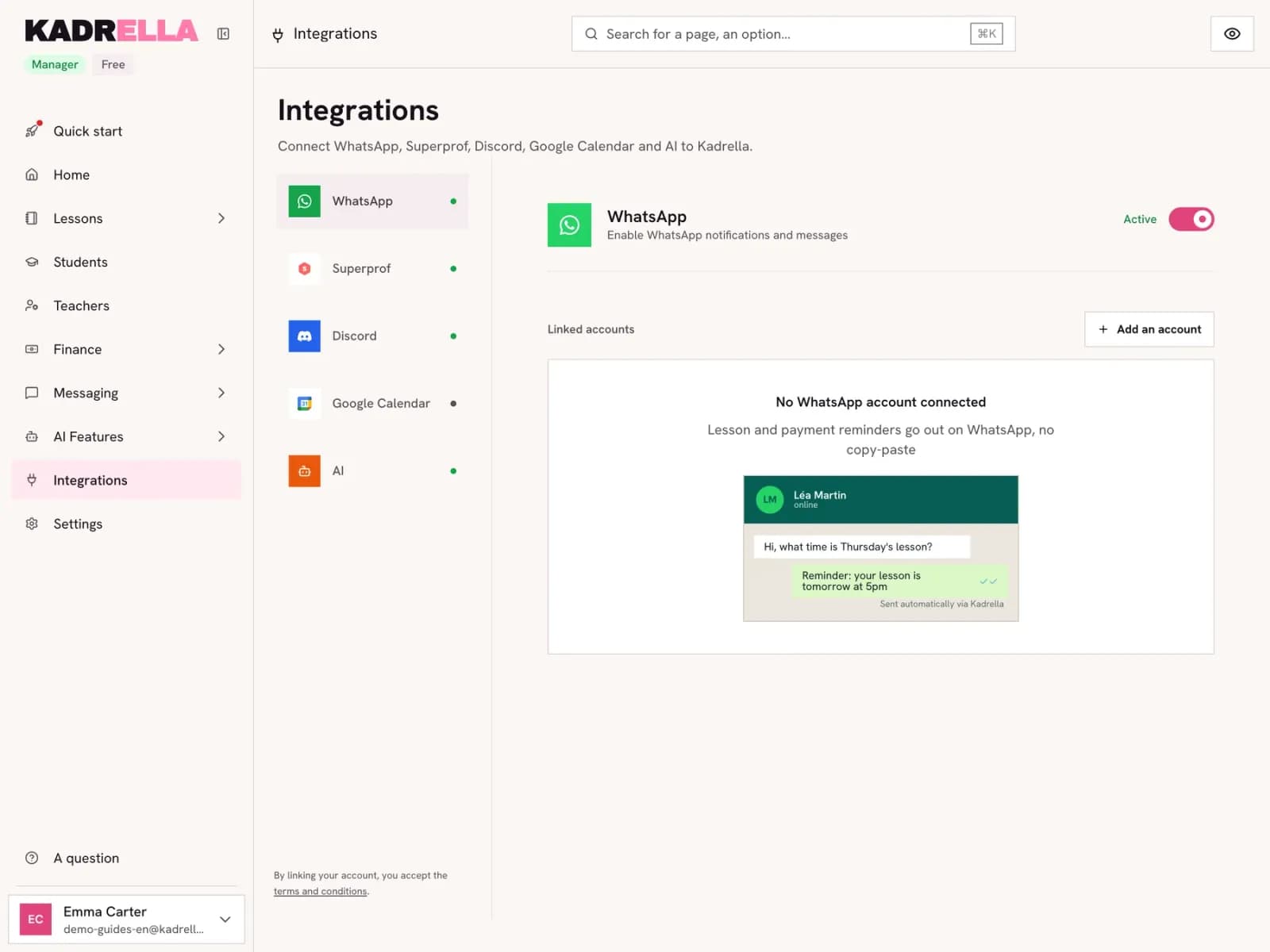 Connect WhatsApp to KadrellaLink your WhatsApp to Kadrella by scanning a QR code, to send lesson reminders and payment summaries from your own number. Guide with screenshots.5 steps
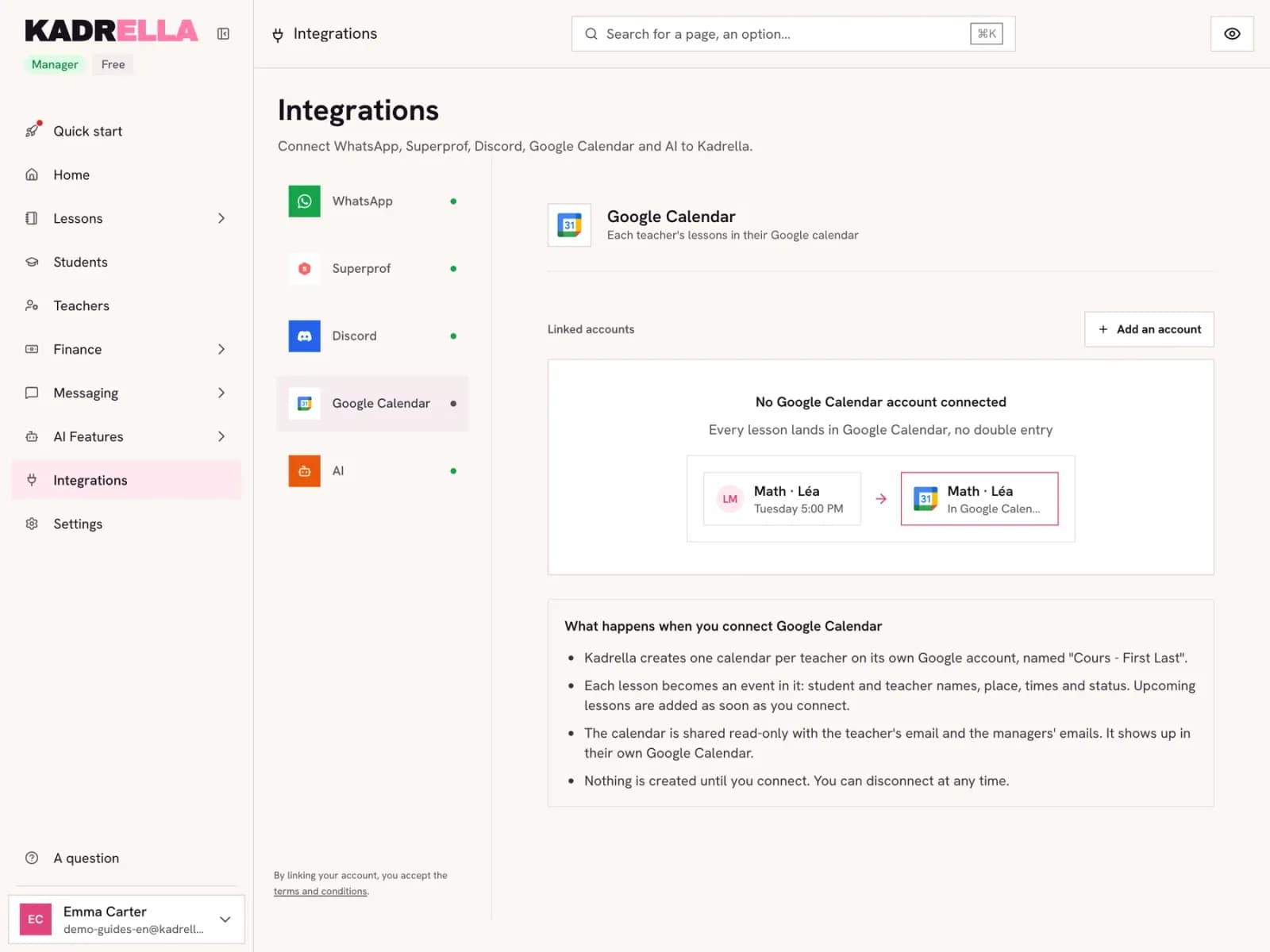 Sync your lessons with Google CalendarConnect Google Calendar to Kadrella: one calendar per tutor, each lesson becomes an event. Then add it to your Google Calendar. An illustrated guide.6 steps
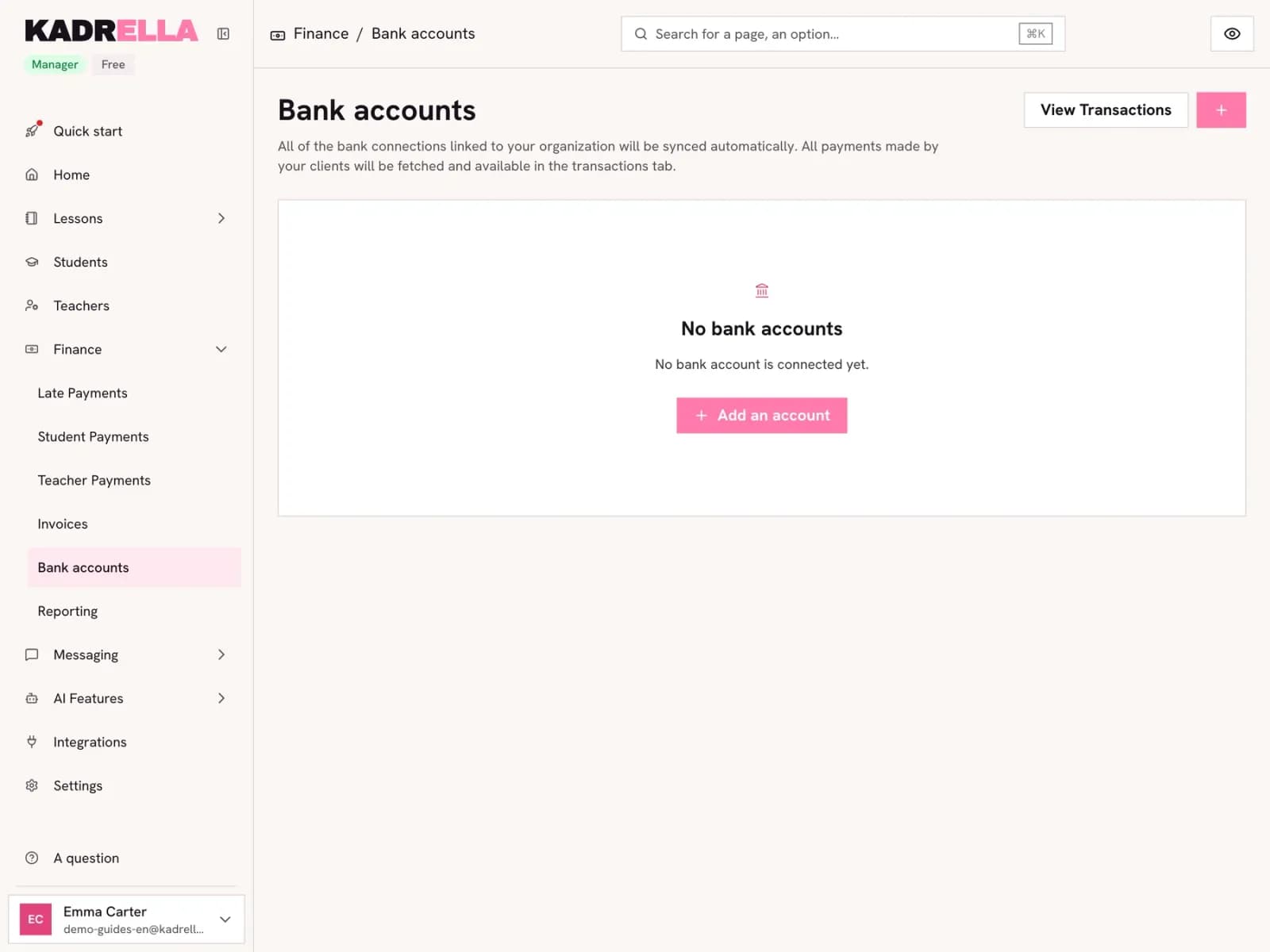 Connect your bank accountLink your bank to Kadrella through GoCardless to import the transfers you receive and match them to paid lessons. Your bank login is never shared.4 steps
Screenshots taken on a demo account: names, phone numbers and amounts are made up.
Spend your Sundays teaching, not chasing payments.
Free to start, set up in minutes. No card.