Add a tutor to your team
Every lesson is given by a tutor. If you work alone, your own tutor record is created when you sign up. If you run a team, each tutor has a record: their colour in the calendar, what they are paid per hour and their legal details for paying them.
1 stepsFree planScreenshots from 4 November 2026
Summarize with AI
Step 1
Create the tutor record
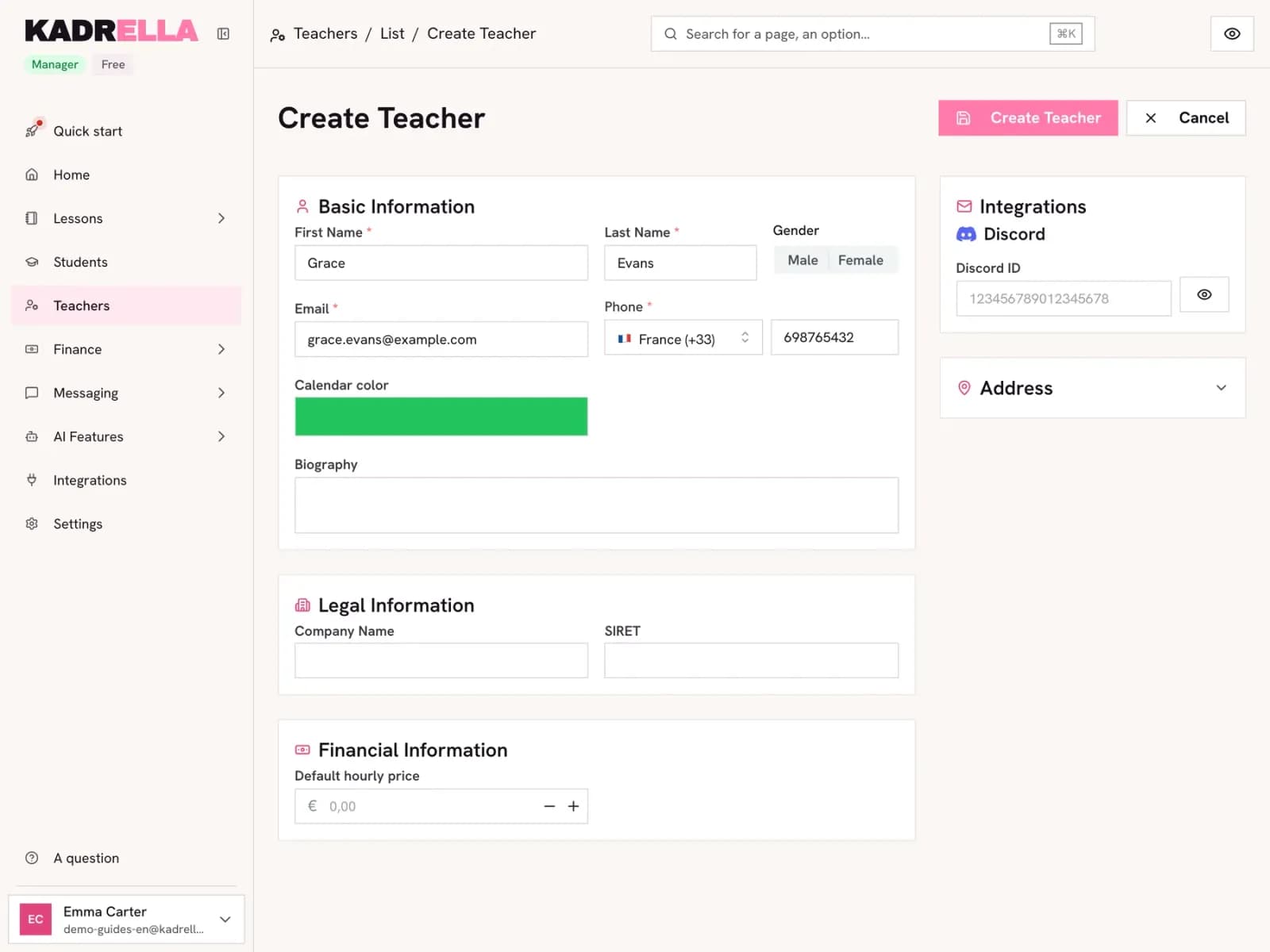
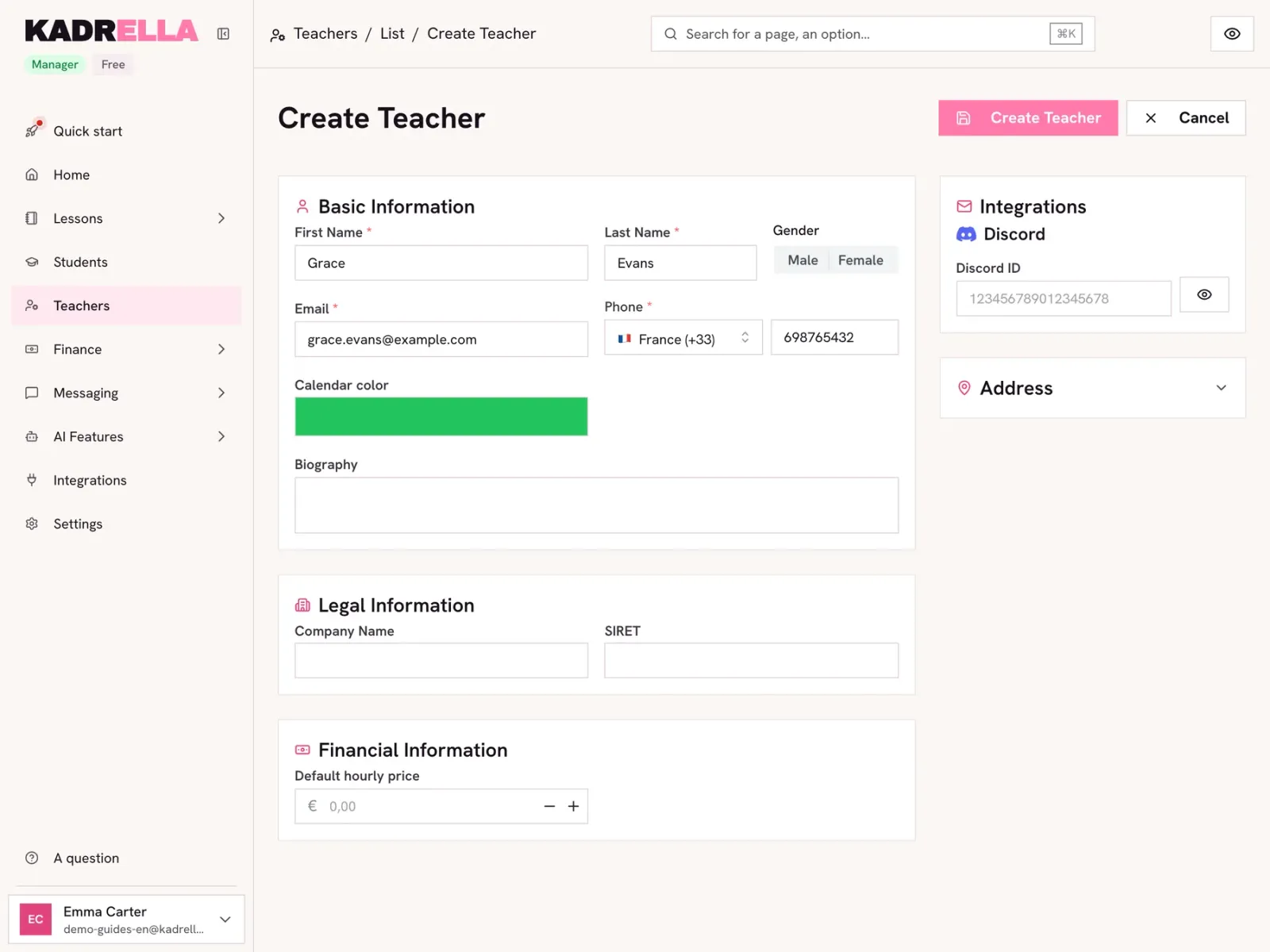
Open "Teachers" then click "+". First name, last name, email and phone are required. Pick a colour: their lessons take that colour in the calendar. Further down, "Legal Information" takes their company name and company number (SIRET in France), and "Default hourly price" what you pay them per hour. Click "Create Teacher".
 View the full-size screenshot
- The tutor’s email.
- Their phone number, for WhatsApp reminders.
- Their colour in the calendar.
Good to know
- The tutor’s hourly price fills in their pay on every new lesson. The lesson’s financial summary then shows your margin.
- What you owe your tutors shows in "Finance", "Late Payments", "Teachers" tab.
Going further
- Feature
- Multi-tutor management
- Related reading
Screenshots taken on a demo account: names, phone numbers and amounts are made up.
Spend your Sundays teaching, not chasing payments.
Free to start, set up in minutes. No card.